👋 Introductie (nl)
Spotweb Filter Creator is een tool om het aanmaken van Spotweb Filter XML bestanden te vereenvoudigen.
Spotweb Filter Creator is een open-source project (GPLv3). De broncode is te downloaden/bekijken/forken op GitHub.
📄 Handleiding (nl)
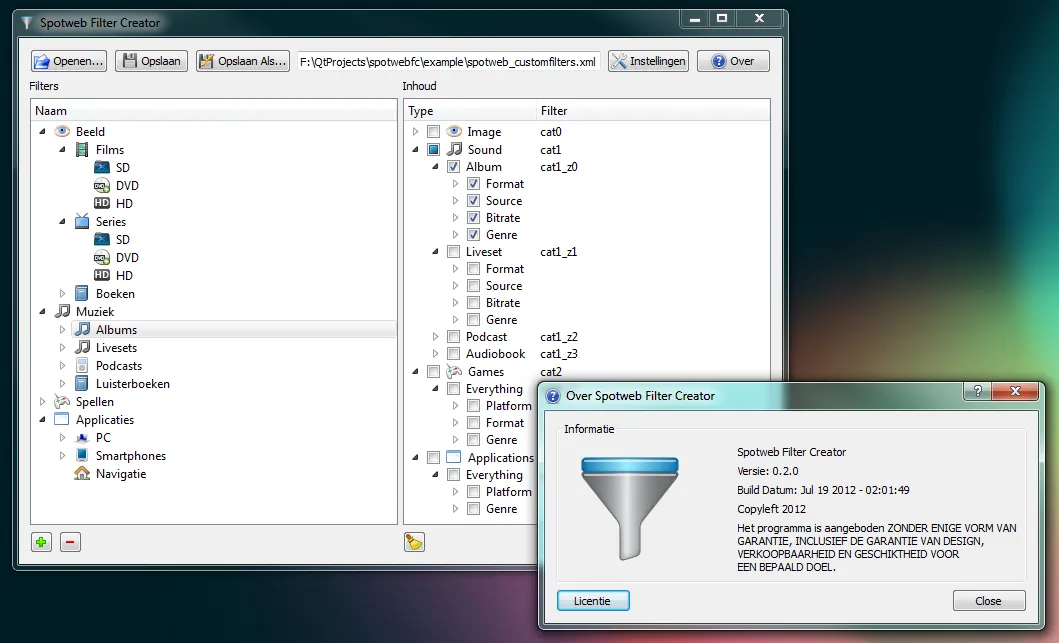
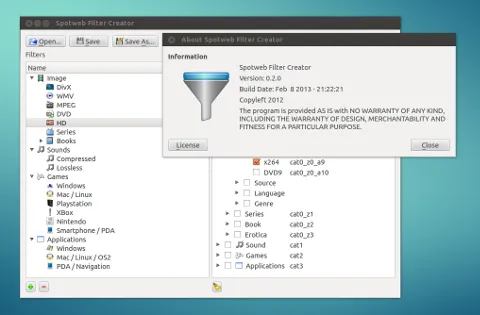
Na het opstarten van Spotweb Filter Creator kan door het klikken op de (+) Add knop, een nieuw filter worden aangemaakt. Er verschijnt hierna in de Filters boom een item met de gekozen filter naam en icoon. Aan de rechterkant in de Contents boom verschijnen vervolgens de beschikbare categorieen. Door een vinkje te zetten bij een categorie zal deze gekoppeld worden aan het geselecteerde filter in de Filters boom. Als alle filters naar tevredenheid zijn aangemaakt, kan het worden opgeslagen in XML formaat met de Save / Save As.. knop (bijv MyFilters.xml). Het opgeslagen filterbestand (MyFilters.xml) kan dan vervolgens in Spotweb bij de filtervoorkeuren worden geupload.
👋 Introduction (us)
Spotweb Filter Creator is a tool for creating Spotweb Filter XML files easier. Spotweb Filter Creator is an open-source project (GPLv3).
The source code is available for download / viewing / forking on GitHub.
📄 Manual (us)
After starting Spotweb Creator, a new filter can be created by clicking the (+) Add button. In the Filters tree below, an item with the selected filter name and icon appears. On the right, in the Contents tree, the available categories appear. By ticking the box for a category, it will be linked to the selected filter in the Filters tree. If all filters satisfactorily have been created, it can be saved in XML format with the Save / Save As .. button (eg MyFilters.xml). The saved filter file (MyFilters.xml) can then be uploaded to Spotweb at the filter preferences.
🖼️ Screenshots
📥 Downloads
Windows

Linux
Raspberry Pi
💻 Source


🏛️ License
Spotweb Filter Creator
Copyleft 2024

This program is free software: you can redistribute it and/or modify
it under the terms of the GNU General Public License as published by
the Free Software Foundation, either version 3 of the License.

This program is distributed in the hope that it will be useful,
but WITHOUT ANY WARRANTY; without even the implied warranty of
MERCHANTABILITY or FITNESS FOR A PARTICULAR PURPOSE.  See the
GNU General Public License for more details.

You should have received a copy of the GNU General Public License
along with this program. If not, see https://www.gnu.org/licenses/.